


Build Your Tech Fence
Build your fence. Own your data. Control your digital life.
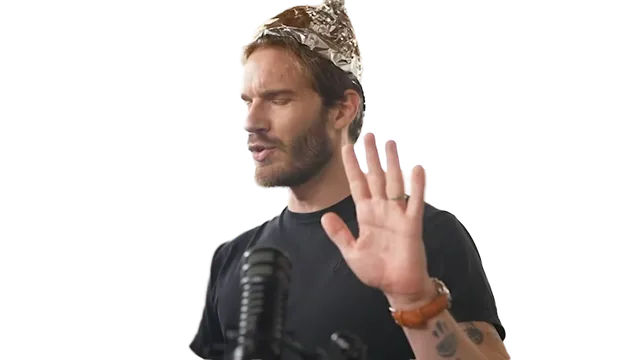
"I think you owe it to yourself to take some time today and start building your tech fence. These tech companies don't care about you. So, you're going to have to start caring about yourself. The cheat sheet code is basically build some friction. It's that simple. Let your brain catch up and make the choice yourself. And also filter out the noise. That's your defense and that's your cure. Now you understand the disease. You are free."
— PewDiePie, "I Fixed YouTube!"
The Two Pillars
"If you go around your life not making your own choices, then who the heck are you? You are your choices and your actions. That's what shapes who you are."
— PewDiePie, "I Fixed YouTube!"
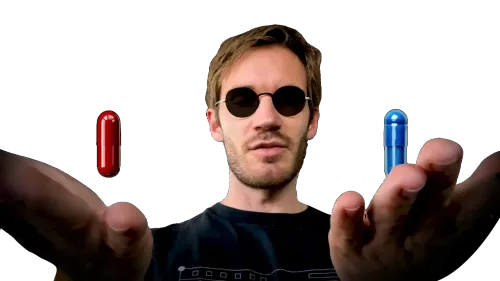
You Are Not The Product
Every "free" service has a cost — your data, your attention, your autonomy.
"If it's so great then why do I feel like I'm the product? I hate my phone. Notifications just feel like they're there to suck me in..." — PewDiePie, "I'm DONE with Google"
Curing Algo Brain
The cure is friction and filtering. Let your brain catch up. Break the loop.
"I used to catch myself all the time being on my phone without intending to and I get so pissed off and I'm like, What the fuck?" — PewDiePie, "I Fixed YouTube!"
The Three Layers
"I think you owe it to yourself to take some time today and start building your tech fence. That's what I'm calling this — tech fencing."
— PewDiePie, "I Fixed YouTube!"

Layer 1: OS Control

Replace Windows with Linux. Choose an OS that doesn't spy on you, ship ads, or decide what you can install.
Based on "I installed Linux (so should you)"
Layer 2: Service Control
De-Google your life. Self-host alternatives for passwords, cloud storage, email, and more. Own your data instead of renting it.
Based on "I'm DONE with Google"
Layer 3: Behavior Control

Fight algorithmic feeds. Add friction to mindless scrolling. Reclaim your attention from apps designed to steal it.
Based on "I Fixed YouTube!"
Getting Started
You don't need to become a cybersecurity expert overnight. Here are some actionable guides that will inform your decisions.
 LVL 1 Beginner
 1 — Switch Your Browser
Install Firefox or Brave. Change your search engine. Install uBlock Origin. Takes 5 minutes.
 LVL 3 Moderate
 2 — Install Linux
Replace Windows with an OS that respects you. A weekend project that changes everything.
 LVL 3 Moderate
 3 — De-Google Your Life
Replace Google services with open-source alternatives you can trust. An afternoon of work.
A Word of Honesty
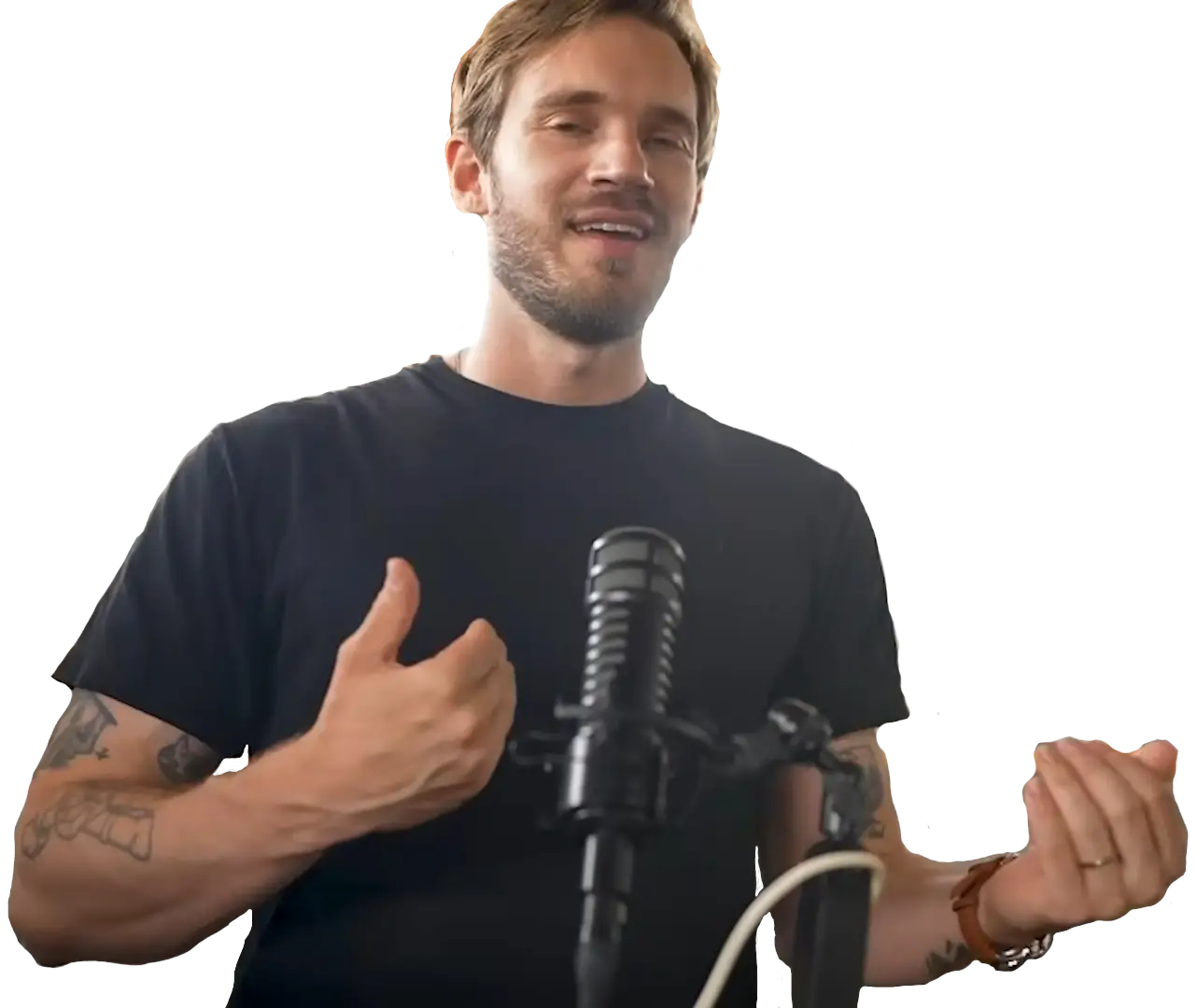
This isn't easy, and it's not for everyone. PewDiePie himself still uses Google Maps because "it's too good." He still uses YouTube — "I literally can't escape." His Vaultwarden setup took 2 days. He was 30 minutes late somewhere because the Google Maps alternative was terrible.
I tell you the downsides because I respect you. Every guide on this site includes an "Honest Downsides" section. If something sucks, I'll say so.
Also — I'm learning too. This site was made by a fan who watched the videos and decided to actually do it. I'm not an expert. I'm just someone who built the fence.
One more thing — this site was vibecoded. The code was AI-generated, but every piece of information, every recommendation, and every design choice was intentionally curated by me, a fellow ignorant.
Extras
More resources, references, and rabbit holes.
TL;DR
Read only this page — it contains everything you need to know.
The Arsenal
Every piece of hardware and software PewDiePie actually uses.
The Damned
Services we don't recommend — and the honest reasons why.
Glossary
Every tech term on this site, explained without jargon.
About
Who built this site, why, and what we believe.